A sample WHS PDF.
This is the General Incident Report a manager can generate for a report. Every name, site and number here is invented, and nothing on this page calls an AI service.
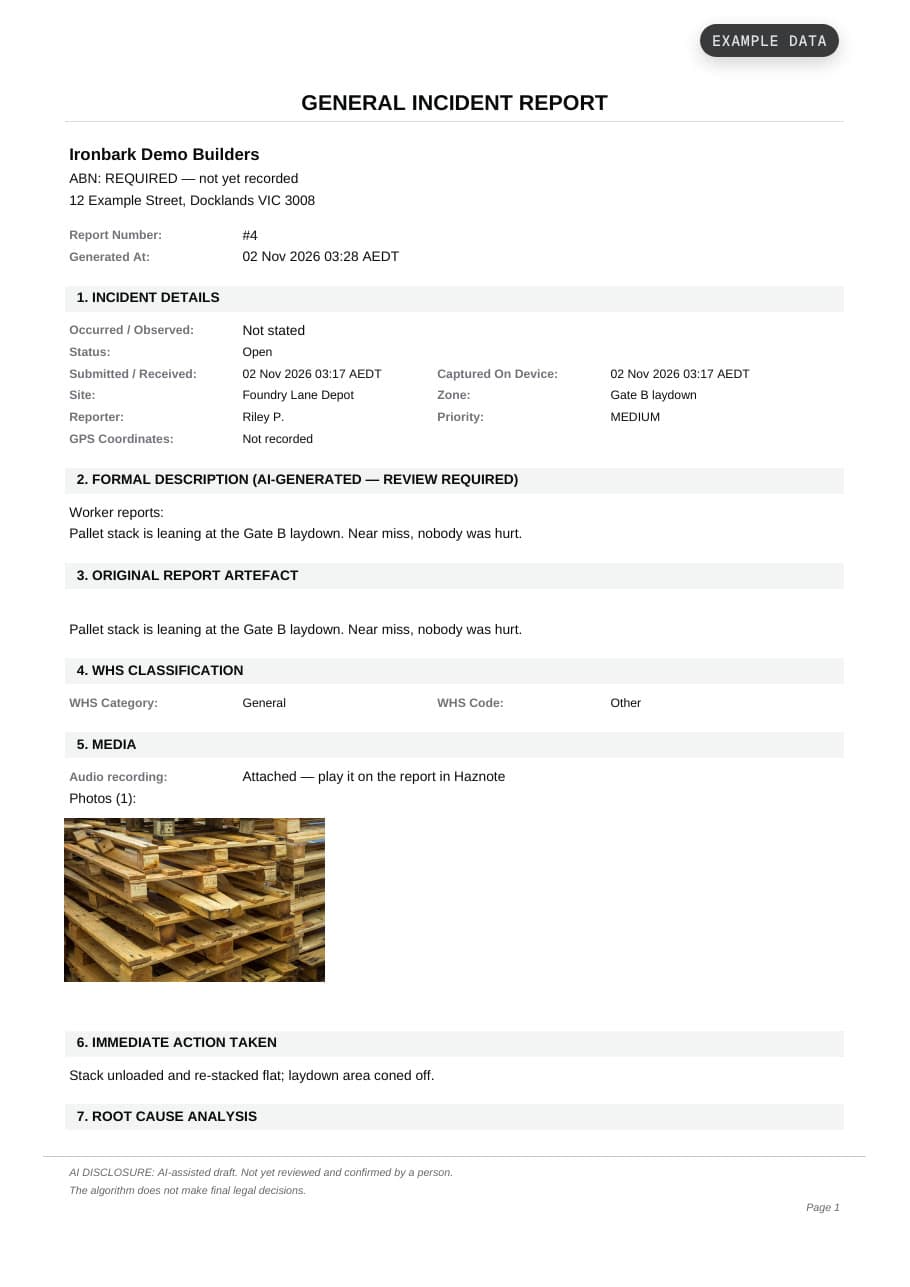
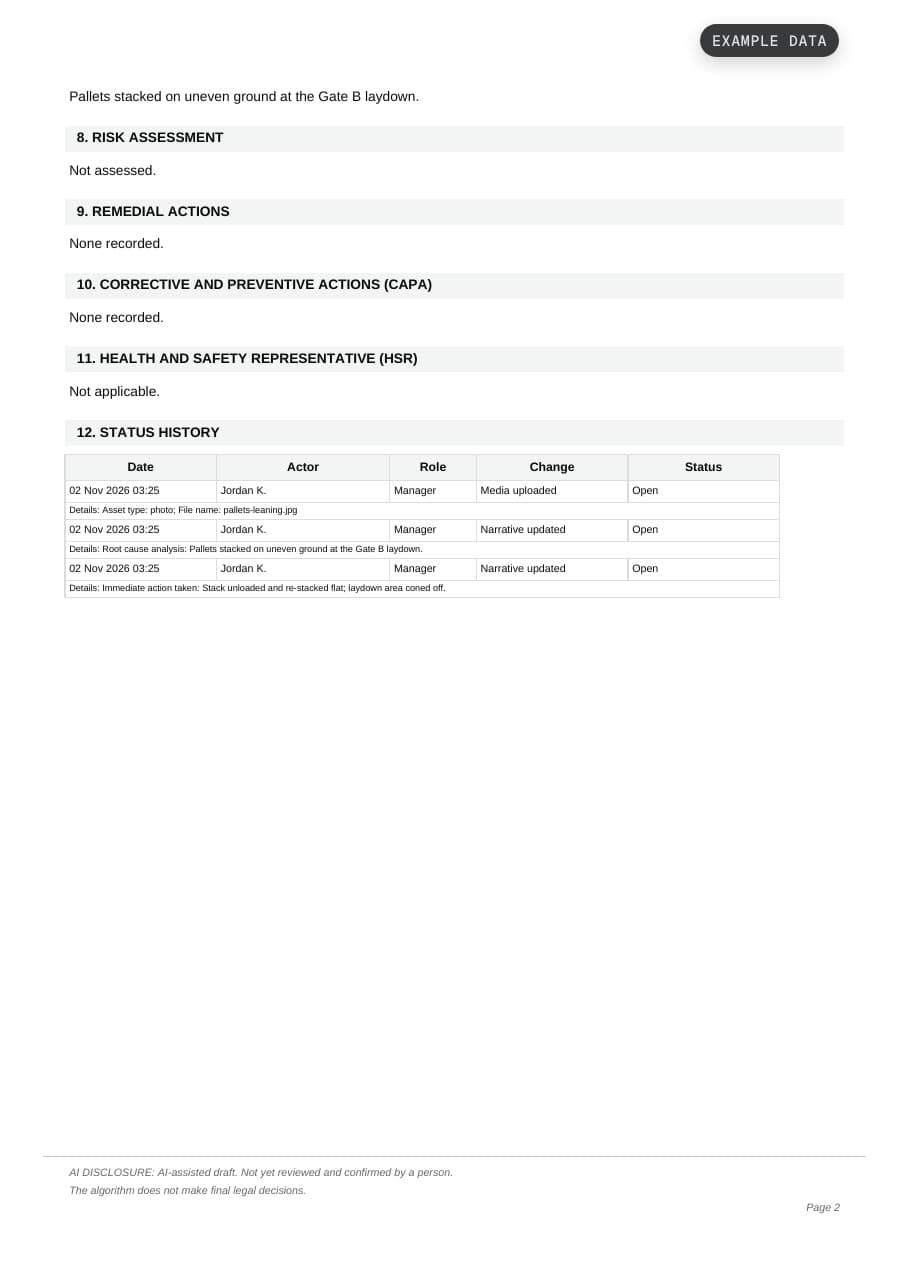
What the report contains.
- Header
Company legal name, ABN and address, the report number and when the PDF was generated, in site time. If no ABN is recorded, the PDF says so instead of leaving it blank.
- Incident details
When it occurred and when Haznote received it, as separate rows, plus status, site, zone, priority and GPS coordinates. A Notifiable line gives the classification and whether the regulator has been notified, and when. The reporter is named, or shown as Anonymous.
- Description and original words
A heading on the description says where its text came from (AI-generated, as recorded, or the worker’s own report). The worker’s original words follow, so a reader can compare the two.
- WHS classification and media
WHS category and code from the AI draft, with the audio recording and photos where attached.
- Actions and follow-up
Immediate action taken and root cause. A probability and severity risk score. Remedial actions, then a corrective and preventive actions table with assignee, due date and status, and the HSR section.
- Status history and AI disclosure
A table of status changes, written in words and naming the person. On AI-assisted reports every page footer says so: it states either that no person has reviewed the draft yet, or who reviewed it and when. It never claims a confirmation that didn’t happen.